Note
This tutorial is generated from a Jupyter notebook that can be downloaded and run interactively.
[1]:
import numpy as np
import cloudViewer as cv3d
import os
import sys

# monkey patches visualization and provides helpers to load geometries
sys.path.append('..')
import cloudViewer_tutorial as cv3dtut
# change to True if you want to interact with the visualization windows
cv3dtut.interactive = not "CI" in os.environ
Using external CloudViewer-ML in /root/CloudViewer-ML
Half Edge Mesh#
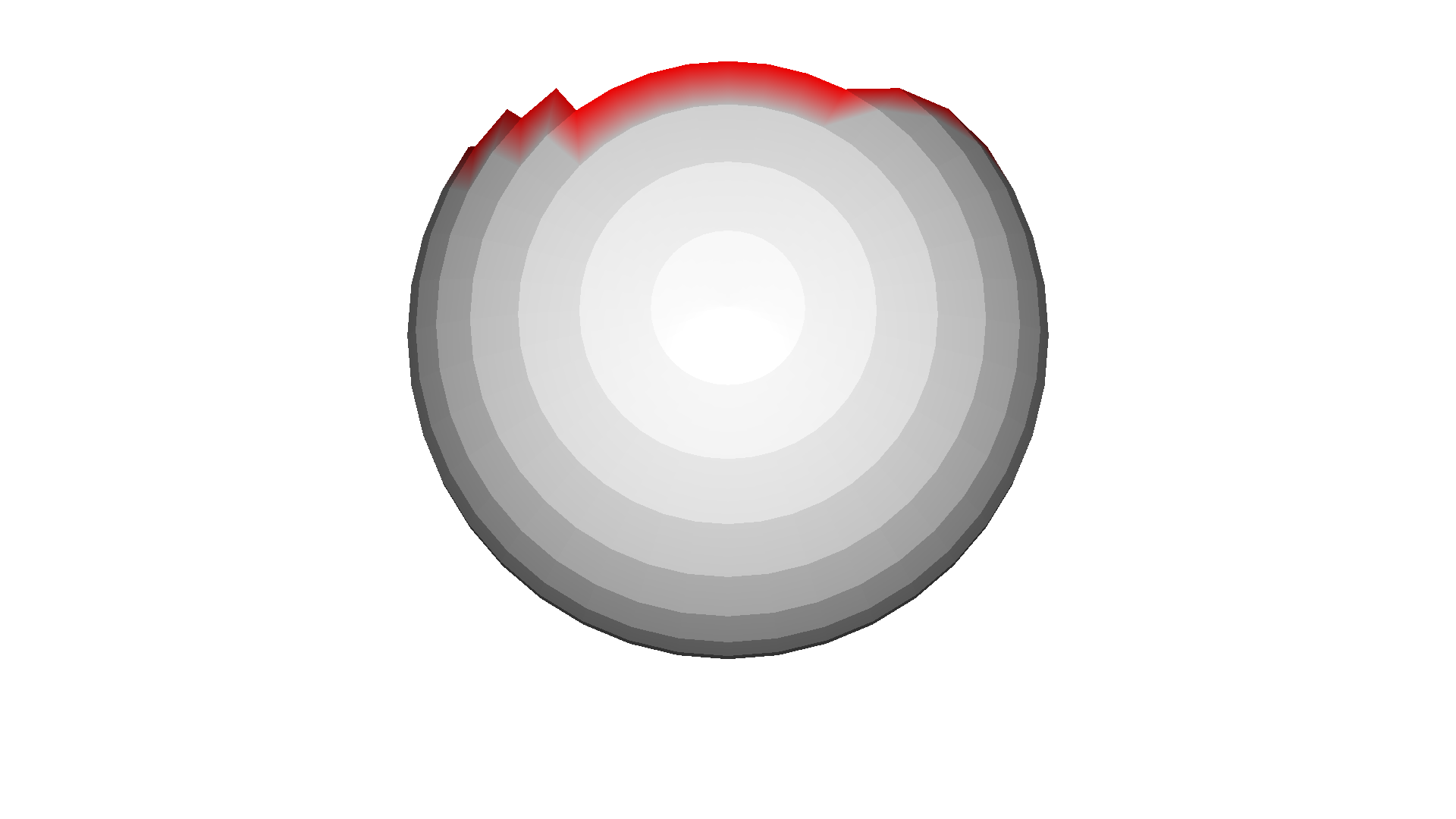
This tutorial outlines the following: 1. How to use mesh_show_back_face to render the backface of a mesh. 2. How to use geometry.AxisAlignedBoundingBox to crop a mesh. 3. How to use utility.Vector3dVector to colorize boundary vertices of a mesh to red.
Render the backface of a Mesh#
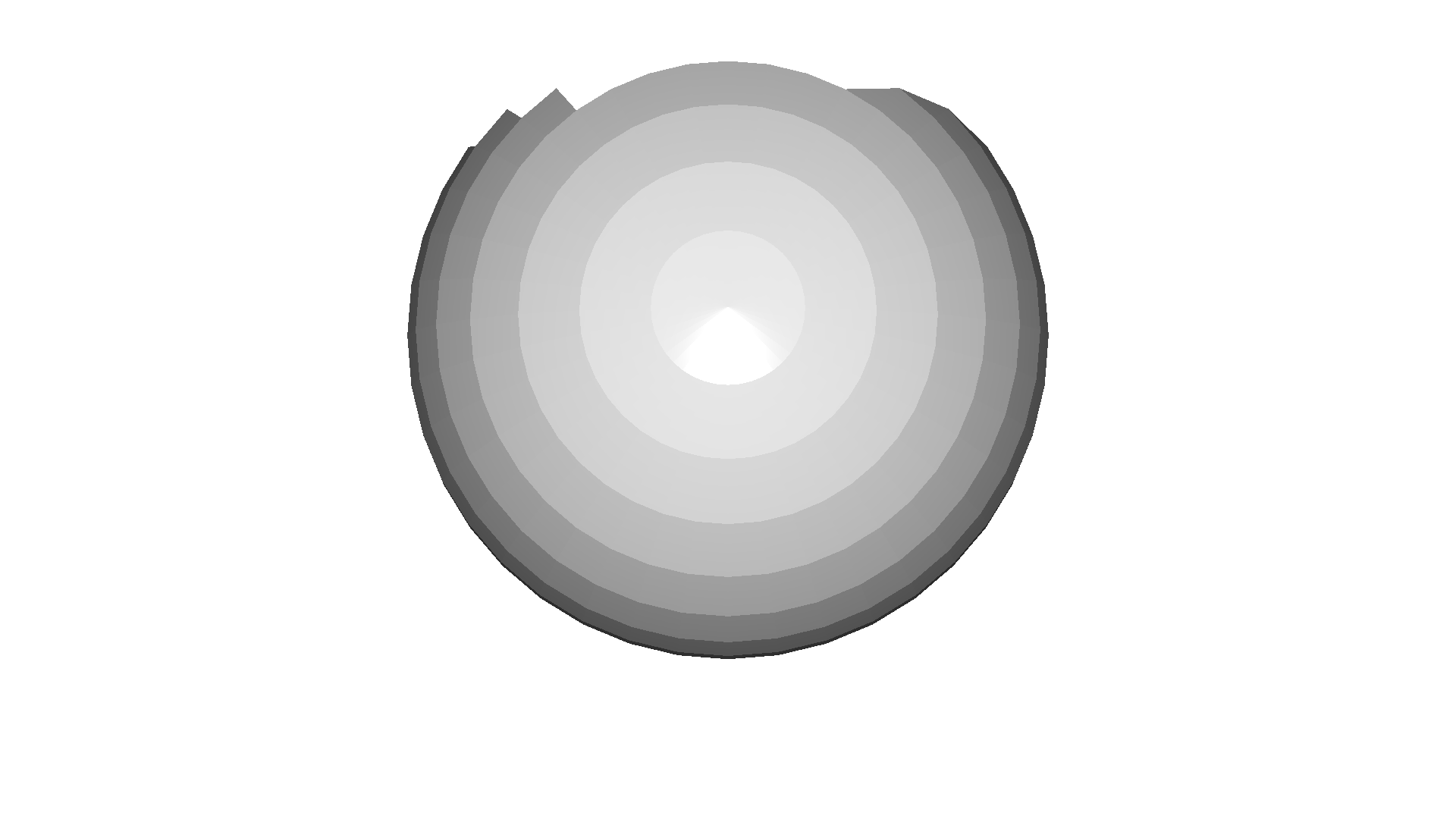
In order to render the backface of a mesh visualization.draw_geometries() is called with the flag mesh_show_back_face set to True.
[2]:
# Initialize a HalfEdgeTriangleMesh from TriangleMesh
mesh = cv3d.geometry.ccMesh.create_sphere()
bbox = cv3d.geometry.ccBBox()
bbox.set_min_bound([-1, -1, -1])
bbox.set_max_bound([1, 0.6, 1])
bbox.set_validity(True)
mesh = mesh.crop(bbox)
het_mesh = cv3d.geometry.HalfEdgeTriangleMesh.create_from_triangle_mesh(mesh)
cv3d.visualization.draw_geometries([het_mesh], mesh_show_back_face=True)
[CloudViewer WARNING] GLFW Error: X11: The DISPLAY environment variable is missing
[CloudViewer WARNING] GLFW initialized for headless rendering.
Cropping a Mesh#
geometry.AxisAlignedBoundingBox is used to create an axis aligned box. The parameters min_bound and max_bound take an array of cartesian coordinates (x,y,z) and define the size of the bounding box. The bounds are set such that the y-axis of the sphere mesh is cut by a call to crop.
[3]:
# Colorize boundary vertices to red
vertex_colors = 0.75 * np.ones((len(het_mesh.vertices), 3))
for boundary in het_mesh.get_boundaries():
    for vertex_id in boundary:
        vertex_colors[vertex_id] = [1, 0, 0]
het_mesh.vertex_colors = cv3d.utility.Vector3dVector(vertex_colors)
cv3d.visualization.draw_geometries([het_mesh], mesh_show_back_face=True)
[CloudViewer WARNING] GLFW initialized for headless rendering.
Colorize the Boundaries of a Mesh#
A call to geometry.TriangleMesh.get_boundaries returns a vector of boundaries, where each boundary is a vector of vertices. Each vertex color is represented by an RBG array and Vector3dVector is used to convert vertex_colors of shape (n, 3) to cloudViewer format. Finally, the vertex colors are set on the mesh.