Note
This tutorial is generated from a Jupyter notebook that can be downloaded and run interactively.
File IO#
This tutorial shows how basic data structures are read and written by Open3D.
Point cloud#
The code below reads and writes a point cloud.
[2]:
print("Testing IO for point cloud ...")
sample_pcd_data = cv3d.data.PCDPointCloud()
pcd = cv3d.io.read_point_cloud(sample_pcd_data.path)
print(pcd)
cv3d.io.write_point_cloud("copy_of_fragment.pcd", pcd)
cv3d.visualization.draw_geometries([pcd])
os.remove("copy_of_fragment.pcd")
Testing IO for point cloud ...
ccPointCloud with 113662 points.
[CloudViewer WARNING] GLFW Error: X11: The DISPLAY environment variable is missing
[CloudViewer WARNING] GLFW initialized for headless rendering.
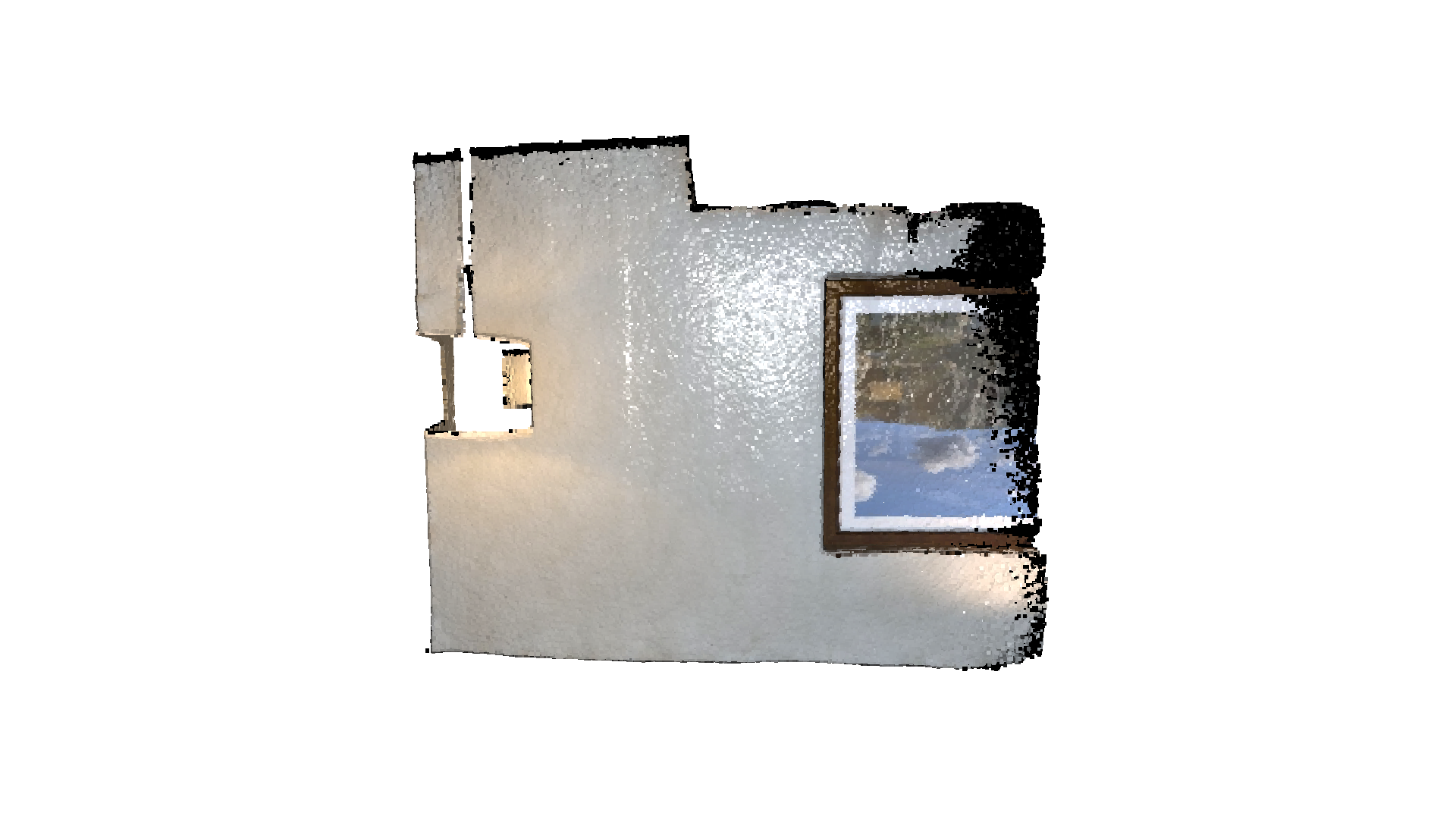
By default, Open3D tries to infer the file type by the filename extension. The following point cloud file types are supported:
Format |
Description |
|---|---|
|
Each line contains |
|
Each line contains |
|
Each line contains |
|
The first line is an integer representing the number of points. The subsequent lines follow one of these formats: |
|
See Polygon File Format, the ply file can contain both point cloud and mesh data |
|
See Point Cloud Data |
It’s also possible to specify the file type explicitly. In this case, the file extension will be ignored.
Mesh#
The code below reads and writes a mesh.
[3]:
print("Testing IO for meshes ...")
knot_data = cv3d.data.KnotMesh()
mesh = cv3d.io.read_triangle_mesh(knot_data.path)
print(mesh)
cv3d.io.write_triangle_mesh("copy_of_knot.ply", mesh)
cv3d.visualization.draw_geometries([mesh], mesh_show_back_face=True)
os.remove("copy_of_knot.ply")
Testing IO for meshes ...
ccMesh with 1440 points and 2880 triangles.
[CloudViewer WARNING] GLFW initialized for headless rendering.
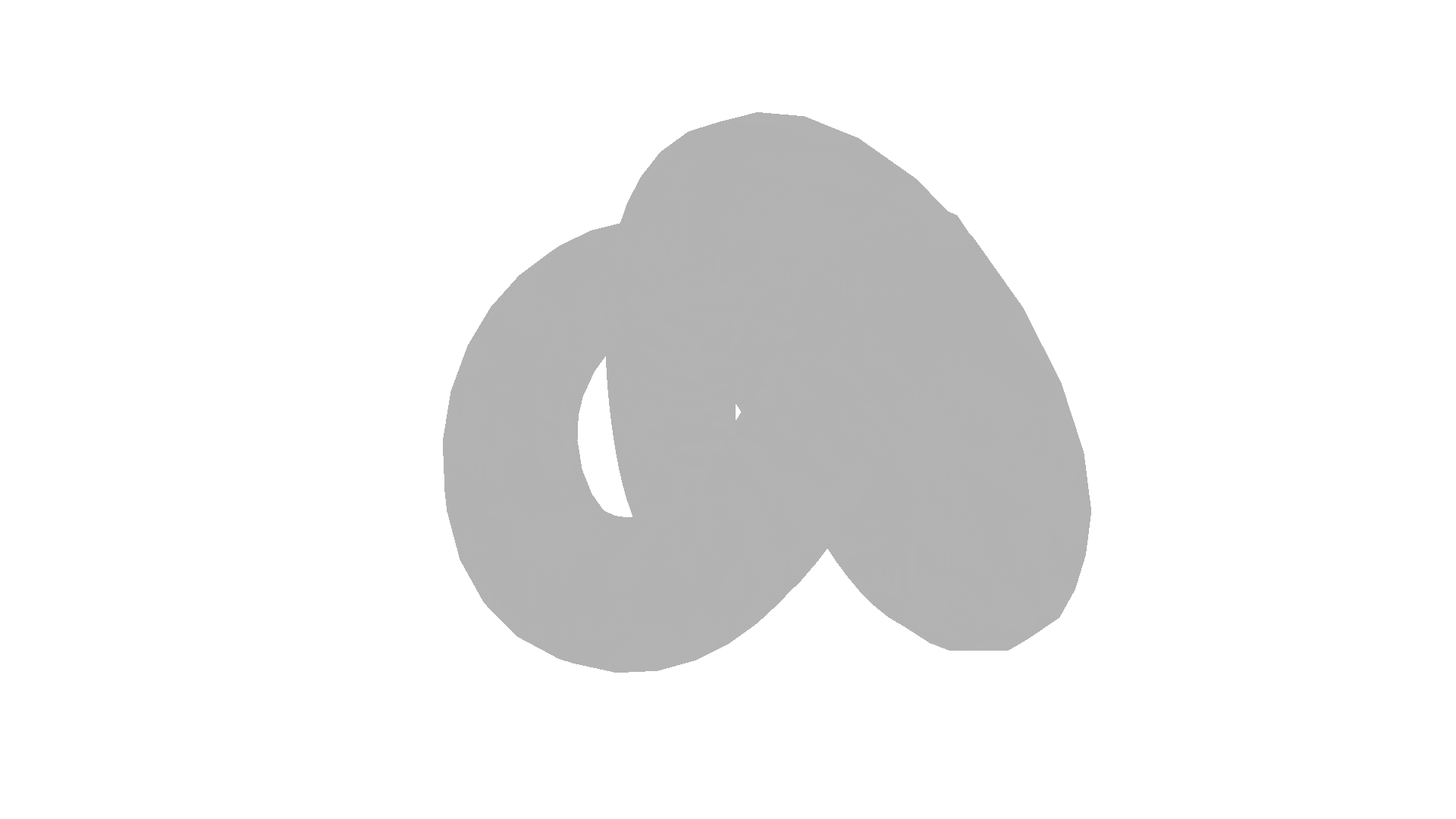
Compared to the point cloud data structure, a mesh has triangles that define the 3D surface.
By default, Open3D tries to infer the file type by the filename extension. The following mesh file types are supported:
Format |
Description |
|---|---|
|
See Polygon File Format, the ply file can contain both point cloud and mesh data |
|
|
|
See Object Files |
|
|
|
Image#
The code below reads and writes an image.
[4]:
print("Testing IO for images ...")
image_data = cv3d.data.JuneauImage()
img = cv3d.io.read_image(image_data.path)
print(img)
cv3d.io.write_image("copy_of_Juneau.jpg", img)
cv3d.visualization.draw_geometries([img])
os.remove("copy_of_Juneau.jpg")
Testing IO for images ...
[CloudViewer INFO] Downloading https://github.com/isl-org/open3d_downloads/releases/download/20220201-data/JuneauImage.jpg
[CloudViewer INFO] Downloaded to /root/cloudViewer_data/download/JuneauImage/JuneauImage.jpg
[CloudViewer WARNING] Destination is a directory: /root/cloudViewer_data/extract/JuneauImage
Image of size 800x489, with 3 channels.
Use numpy.asarray to access buffer data.
[CloudViewer WARNING] GLFW initialized for headless rendering.
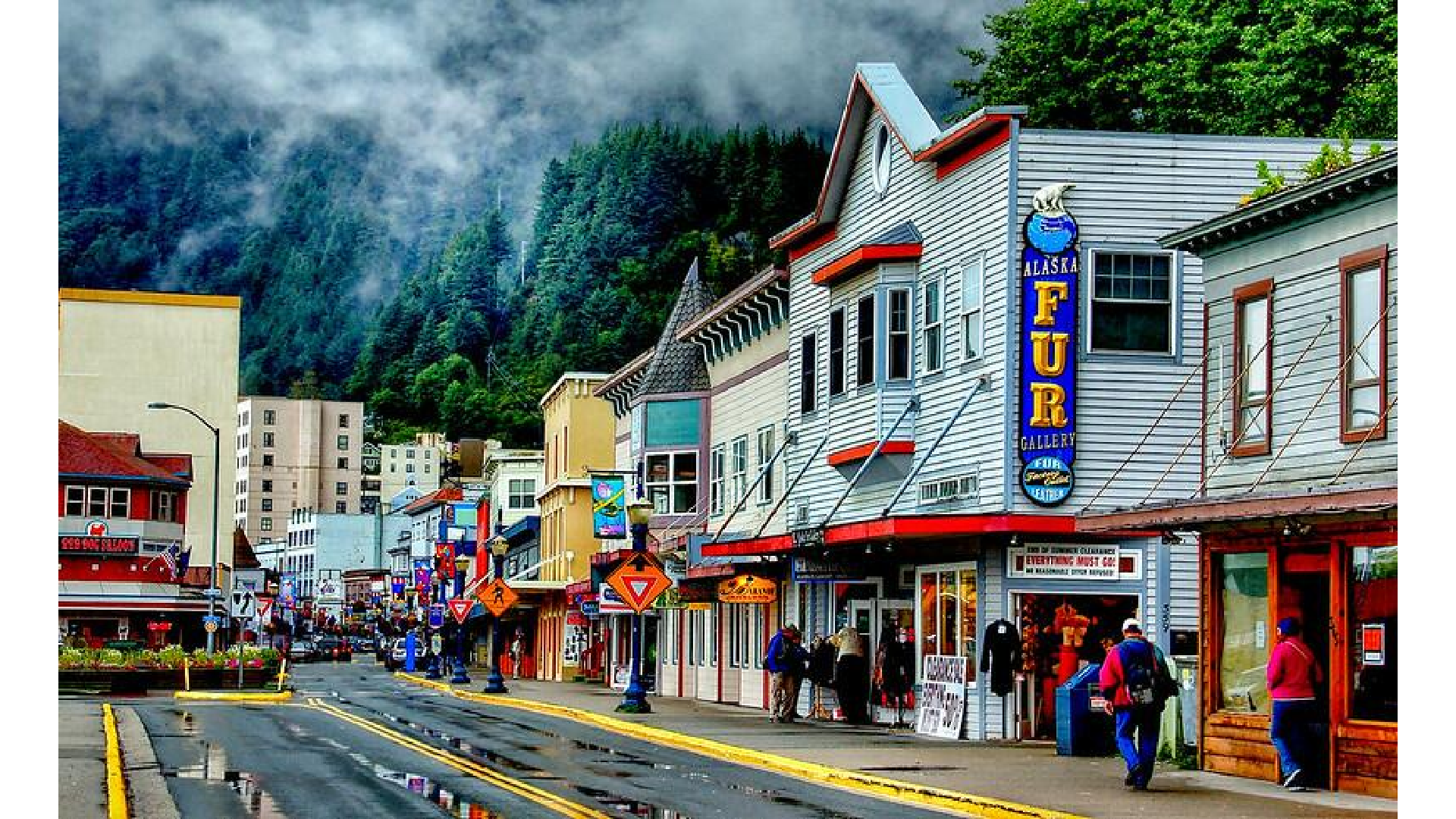
The size of the image is readily displayed using print(img).
Both jpg and png image files are supported.